Labels & areas
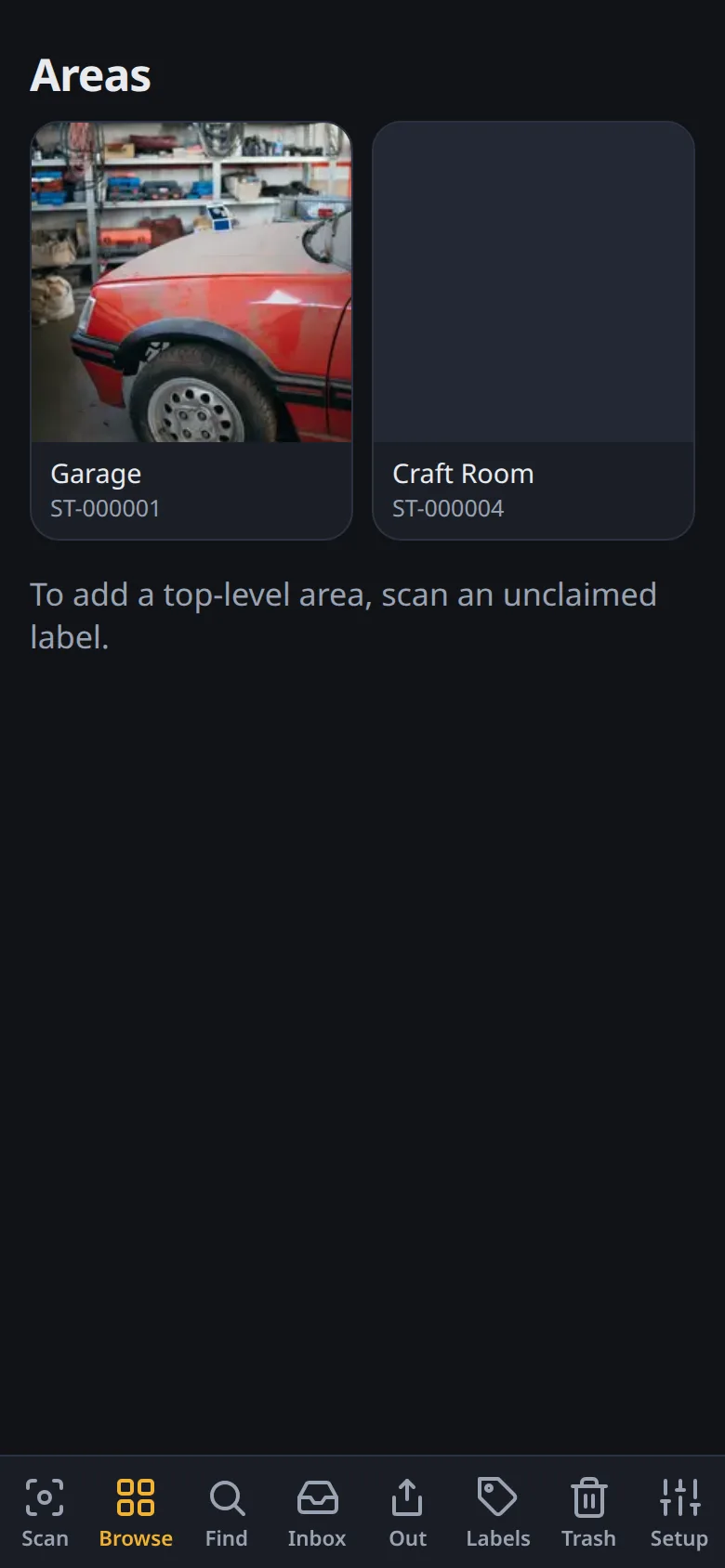
In Stache, an area is a container: a room, a closet, a shelf, a bin, a drawer. Areas nest as deep as you like — a bin on a shelf in a closet in the garage.
Only areas get QR labels. Items are just photos with optional names — there’s no per-item labeling step.
How labels work
Section titled “How labels work”Labels are random codes like ST-K7QX9M2T. Print a batch whenever — they’re meaningless until claimed, so nothing goes to waste.
- Claim a label — scan an unclaimed QR (or open it from Labels). Give the area a name and optionally a photo. It’s now a scannable container.
- Use a label — scan it anytime to open the area: see what’s inside, set it as the current filing target, or stocktake it.
Printing
Section titled “Printing”Go to Labels and print. Options:
- Plain paper + scissors — works fine
- Zebra/ZPL — network label printers
- CUPS — any print queue reachable from the host (the container includes
cups-client) - DYMO Connect — via the companion service
Label size and count are configurable. Sequential codes print in order.
Moving things around
Section titled “Moving things around”- Move an item to a different area anytime — it’s an undoable event like everything else.
- Nest an area under another (a bin into a closet) by scanning the parent before claiming, or edit the area later.
- Areas track item counts across their whole subtree, so a closet page shows everything inside it at every depth.
Stocktake
Section titled “Stocktake”Open an area and run a stocktake: tick off what you see, get a review step at the end (counts + optional mark-missing). Progress persists if you get interrupted.